Friday evening
6:00–9:00 PM CT
Free 3-hour virtual workshop · No experience needed
Bring a real task. In three live hours, learn to write stronger prompts, handle everyday work, spot weak answers, and build an AI habit you can keep.
Pick the session that fits
6:00–9:00 PM CT
10:00 AM–1:00 PM CT
Every explanation moves into practice. Bring the work already on your plate and use it during the session.
Turn rough requests into prompts that produce clearer, more useful answers.
Draft emails, summarize documents, plan projects, study, create, and organize with less friction.
Protect private information, question weak answers, and verify what matters before you use it.
Take home 50 practical prompts and a simple 30-day plan for building the habit.
We keep the theory short. You will work through guided examples, try the method on your own tasks, and ask questions while you practice.
See where AI helps, where it falls short, and when you should slow down and check the answer.
Use a simple framework, improve the response through conversation, and stop settling for the first answer.
Apply AI to work, business, study, family, ministry, or community responsibilities that matter to you.
Build safer privacy and verification habits, then leave with a clear plan for your next 30 days.
No technical background. No paid AI subscription. No pretending you already know what to ask.
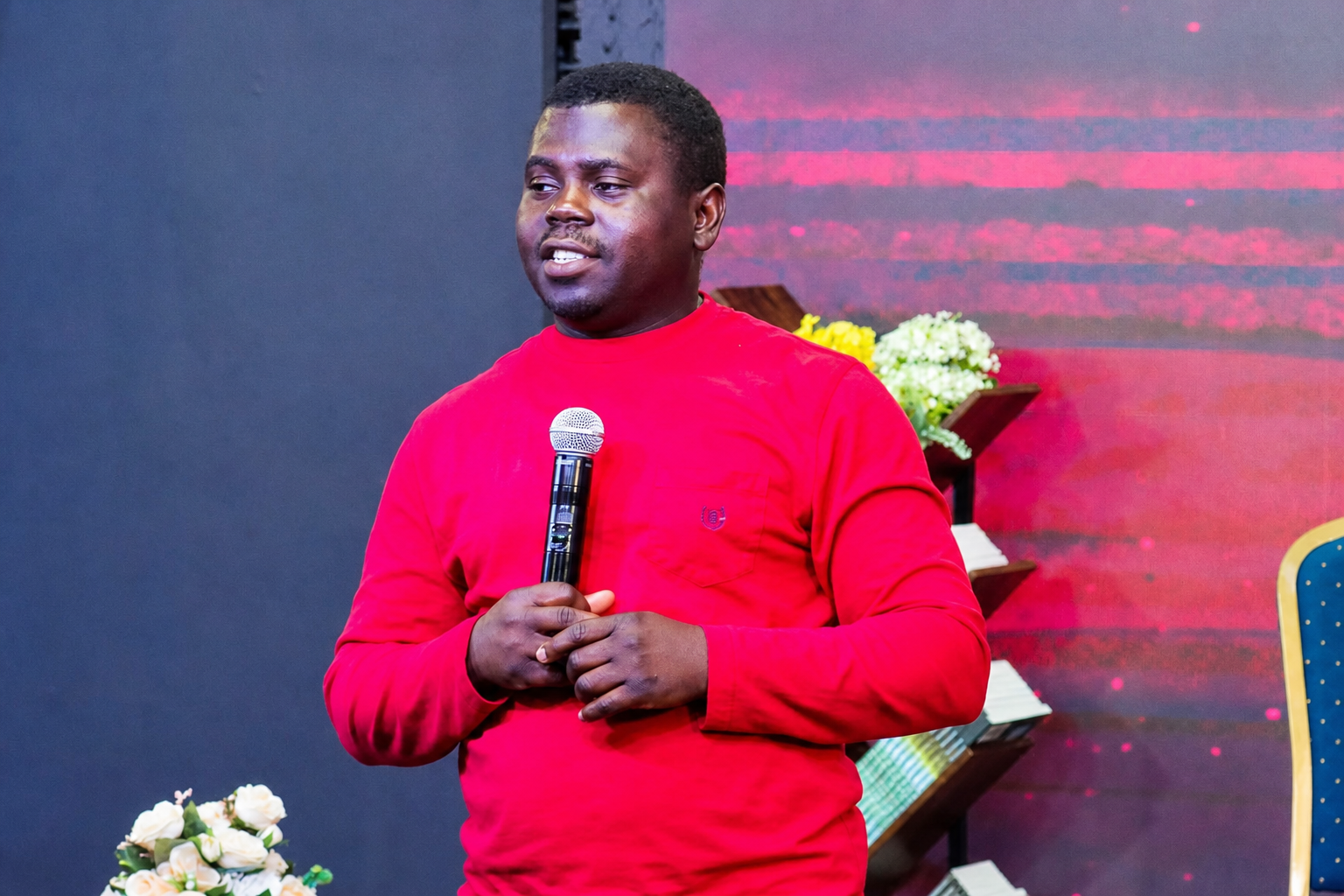
Educator · AI & Digital Solutions Consultant · Author
Moses Oluwanifise is a teacher, author, and AI and Digital Solutions Consultant. He helps organizations move from AI curiosity to practical adoption—shaping roadmaps, implementing useful tools, and building solutions around the way people already work.
His work also spans digital strategy and online growth, helping businesses turn a stronger digital presence into real results. His books on AI make the technology plain enough to use.
“The goal isn’t to use every AI tool. It’s to use the right ones—with clarity, confidence, and good judgment.”
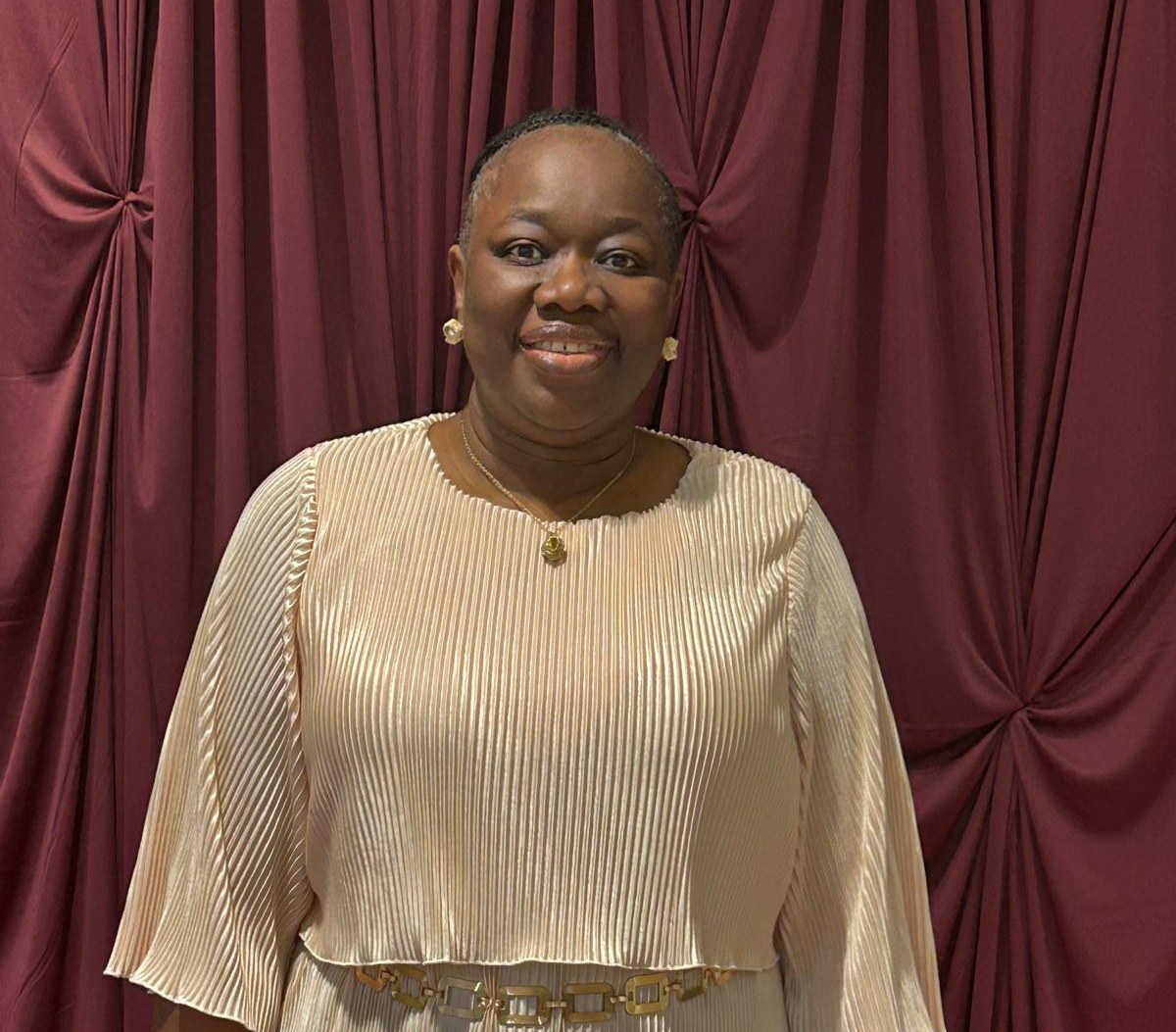
IT Portfolio Management Professional · AI Specialist · Technology Strategist
Olivia Jonah believes every gift, opportunity, and accomplishment comes from God and is committed to using them for His glory. By His grace, she is an IT Portfolio Management Professional, AI Specialist, Technology Strategist, author of more than 60 books, and Founder of Ophel Consultancy Services. Through technology, artificial intelligence, writing, teaching, and mentoring, she helps individuals and organizations innovate, grow, and fulfill their purpose.
Whether building AI-powered solutions, leading digital transformation initiatives, or helping authors bring their God-given message to life, Olivia is passionate about making a lasting impact for God's Kingdom.
“By the grace of God I am what I am.” — 1 Corinthians 15:10
Learn more: Ophel Consultancy Services · Charis – Beyond the Books
No. We start in plain language. Complete beginners can follow, and current AI users will learn a clearer way to get better results.
No. A free ChatGPT or Claude account is enough. We will send simple setup instructions after you register.
No. Each date covers the same three-hour workshop. Register for the one that fits your schedule.
Yes, but use a laptop if you can. It will be easier to follow the demonstrations and complete the exercises.
Yes. Registered participants will receive access to the recording.
Both dates cover the same practical workshop. Choose one and tell us where to send your Zoom link and setup guide.
You’re registered
We’ll send your Zoom link and setup guide to your inbox.
In the meantime, open the participant workbook and 50-prompt pack — you can fill it in during the session and save it as a PDF.
Back to the top ↑